Request Your Club to Become a Program Distributor
This page was shared with you because someone in your club wants to publish programs through Re:Do Workouts.
Plan your own training in Re:Do Workouts.
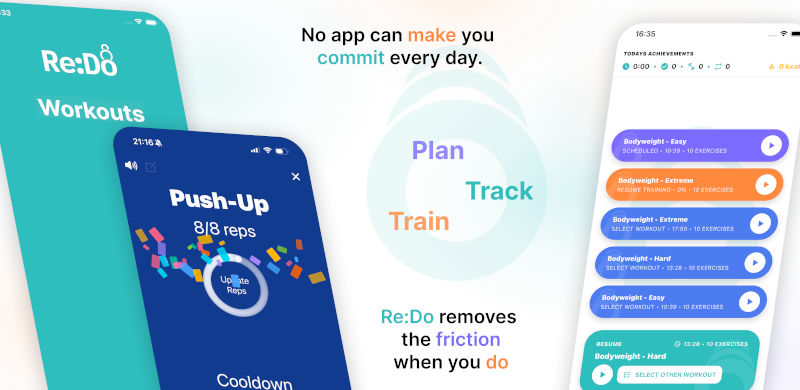
Create the workout in your own words, run it step by step with timers and notes, schedule it when it fits, and log what actually happened.
Want Programs for coaches? Email coaches@redoworkouts.com to join the waiting list.
Members don't need Pro to use your program
Program distribution covers the Pro-required limits for the workouts and schedules you publish. Members can use your program without buying an individual upgrade. Pro is not unlocked for their personal content outside your program.
- Program workouts don't count toward Free workout limits
- Recurring schedules included in your program work for members on Free
What Program Distributor gives your club
- Publish branded workout and schedule programs in Re:Do
- Share access with members through invite codes
- Manage member and admin access from one place
- Keep programming updates organized and easy to roll out
What to do next
- Open Re:Do Workouts and go to Programs
- Tap Become Program Distributor
- Choose a distributor subscription tier
- Complete sign-in and setup to activate your club
How to become a club member in the app
- Download Re:Do Workouts from the App Store or Google Play
- Open the app and go to Routines -> Programs
- Tap Become a Program Distributor
Suggested internal decision
If your club already shares workouts manually, this is usually a fast upgrade: one managed source, cleaner onboarding, and fewer one-off support requests.
FAQ
Who is Request Your Club to Become a Program Distributor for?
It is for people who want a focused Re:Do workflow for this training use case without turning the app into a coaching feed.
Can I adapt it to my own routine?
Yes. Re:Do lets you keep custom exercise names, notes, timers, schedules, and logs around the structure you already use.
Where should I start?
Start with the simplest repeatable version, run it once, then adjust the workout or schedule after you have a real session in the log.