Weekly Workout Schedule App
Weekly scheduling is ideal when you want a stable pattern like “Mon/Wed/Fri” or “Tue/Thu/Sat”. In Re:Do, “Weekly” means you choose the exact weekdays, then repeat from a start date.
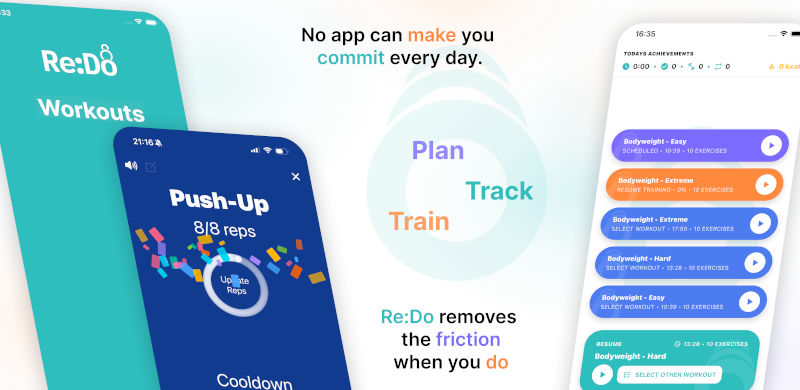
Plan your own training in Re:Do Workouts.
Create the workout in your own words, run it step by step with timers and notes, schedule it when it fits, and log what actually happened.
When weekly scheduling is the best choice
- You want fixed days that match your real-life calendar
- You want predictable recovery days
- You want a plan that is easy to read at a glance
- You want patterns like Mon/Wed/Fri, Tue/Thu, or weekdays only (Mon–Fri)
How to schedule workouts on specific weekdays
- Open the workout you want to schedule
- Go to scheduling
- Select Weekly
- Pick a start date
- Select the weekdays you want (Mon/Tue/Wed…)
- (Optional) add an end date
- Save
Example schedules
- Strength: Mon/Wed/Fri
- Upper/Lower: Tue/Thu/Sat
- Mobility: weekdays (Mon–Fri)
Example: three sessions per week
If you want “three workouts per week” without thinking, weekly scheduling is the cleanest setup: pick Mon/Wed/Fri, then leave the plan alone and just execute.
Tip: add a fallback day as “Once”
If you plan three weekly sessions, add a fourth planned workout as a one-date “fallback day”. That gives you flexibility without changing your repeating pattern.
Weekly vs Every X days
If you want fixed weekdays, use Weekly. If you want a rolling cycle (like every other day, or a rotation that continues regardless of the week), use Every X days.
Common mistakes
- Picking the wrong start date: choose the real date you want the pattern to begin.
- Too many days selected: start with fewer days and add later if needed.
- Expecting a rolling rotation: weekly repeats on chosen weekdays; it does not “shift” through the week.
FAQ
Can I schedule a workout on weekdays only?
Yes. Choose Weekly and select Mon–Fri.
What if I miss a scheduled day?
Use a one-time fallback session, or run the next planned workout and keep the pattern stable.