Every X Days Workout Schedule App
“Every X days” scheduling is for plans that do not fit neatly into a weekly calendar. Instead of choosing weekdays, you pick an interval like “every 2 days” and anchor it to a start date.
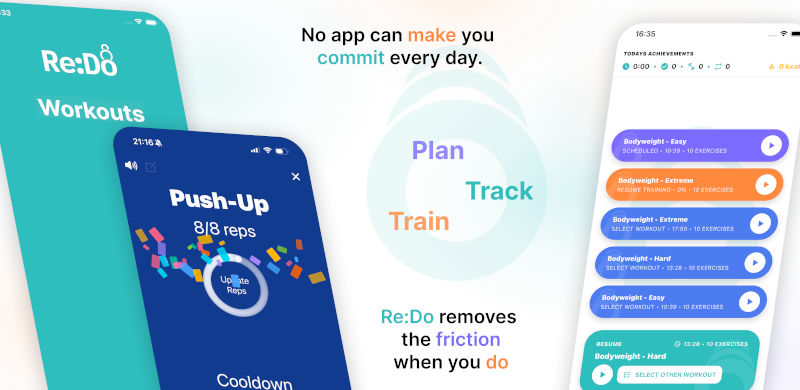
Plan your own training in Re:Do Workouts.
Create the workout in your own words, run it step by step with timers and notes, schedule it when it fits, and log what actually happened.
When “Every X days” is the best choice
- You want a rolling rhythm that continues regardless of week boundaries
- You train based on recovery (not fixed weekdays)
- You run rotations (A/B, alternating sessions) that shift through the week
- You travel or your weekdays change often
How to schedule workouts every X days
- Open the workout you want to repeat
- Go to scheduling
- Select Every X days
- Pick a start date (this is the anchor)
- Set the interval in days (for example 2)
- (Optional) add an end date
- Save
Examples
- Every other day: interval = 2
- Every 3 days: interval = 3
- Rolling program: interval = 4 (works well for rotating splits)
Example calendar (interval = 2, starting Monday)
- Week 1: Mon · Wed · Fri · Sun
- Week 2: Tue · Thu · Sat
Notice how the weekdays shift over time. That is the point: the interval stays consistent even when the week changes.
Why this is different from weekly scheduling
Weekly schedules are perfect when your life is stable week to week. But if your training rotates or your week is irregular, interval-based scheduling keeps the pattern intact without forcing it into a Monday-to-Sunday shape.
Tips for cleaner interval schedules
- Pick the anchor carefully: if the start date is off by a day, the whole pattern shifts.
- Use end dates for blocks: if this is a 6–8 week phase, add an end date so it stops automatically.
- Offset start dates to alternate workouts: schedule two workouts with the same interval but different start dates.
Common mistakes
- Expecting fixed weekdays: use Weekly if you want Mon/Wed/Fri forever.
- Picking an interval that is too aggressive: more frequency only helps if you can sustain it.
- Mixing “Once” and interval rules unintentionally: keep one-time sessions separate so the recurring pattern stays clean.
FAQ
How do I schedule every other day workouts?
Use interval = 2. See: Every other day tutorial.
How do I alternate two workouts (A/B rotation)?
Schedule both with the same interval and offset the start dates. See: A/B rotation tutorial.