Every Other Day Workout Schedule
“Every other day” is a simple pattern that gives built-in recovery without needing a fixed weekly plan. In Re:Do, set it up using “Every X days” with an interval of 2.
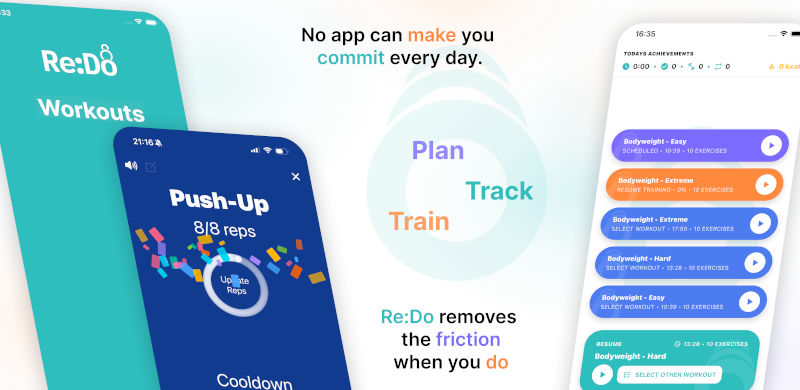
Plan your own training in Re:Do Workouts.
Create the workout in your own words, run it step by step with timers and notes, schedule it when it fits, and log what actually happened.
When every-other-day is a good fit
- You want consistent training with recovery days built in
- You want a rolling schedule that keeps going regardless of week boundaries
- You want a simple cadence for conditioning, strength, or skill work
How to schedule every other day workouts
- Open the workout you want to repeat
- Go to scheduling
- Select Every X days
- Pick your start date (this anchors the pattern)
- Set Interval (days) = 2
- (Optional) add an end date
- Save
Example calendar (starting Monday)
- Week 1: Mon · Wed · Fri · Sun
- Week 2: Tue · Thu · Sat
The exact days shift across weeks because the pattern is anchored to your start date, not to a Monday–Sunday calendar.
Common variants
- Every 3 days (more recovery)
- Every day (use Daily scheduling)
- Fixed weekdays (use Weekly scheduling)
Tip: use different start dates to offset patterns
If you schedule two different workouts “every 2 days” but with different start dates, you can create clean alternating rotations.
How to use this page in Re:Do
Treat Every Other Day Workout Schedule as a focused setup guide, not a separate system to maintain. Use it when the schedule is the part that keeps the routine alive: choose the repeat pattern, keep the next session visible, and let the log show what actually happened.
The useful version is usually small at first: one workout, one schedule or timer rule if needed, and enough notes to make the next session obvious. After a few logged sessions, refine the plan clearly from what you actually did instead of guessing up front.
FAQ
Why not schedule Mon/Wed/Fri instead?
Mon/Wed/Fri is great when you want fixed weekdays. Every-other-day is better when you want a rolling rhythm that continues through travel and irregular weeks.
What is the most important setting?
The start date. If it is off by a day, the entire pattern shifts.