Schedule a Workout for One Date
A one-date schedule is the fastest way to put a workout on your plan without committing to a recurring rule. It is useful for test days, event prep sessions, or “I want to do this on Friday” plans.
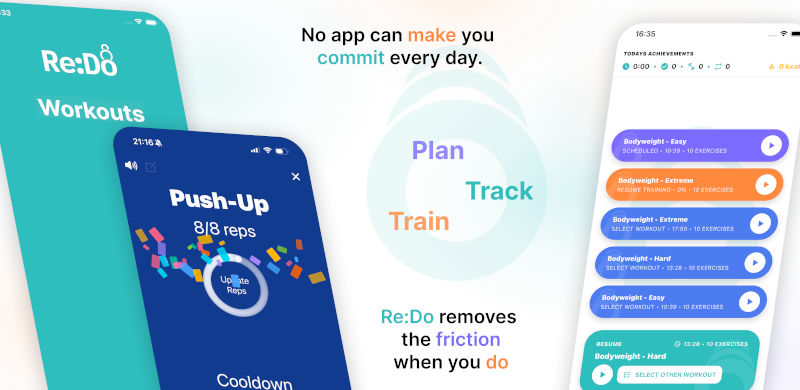
Plan your own training in Re:Do Workouts.
Create the workout in your own words, run it step by step with timers and notes, schedule it when it fits, and log what actually happened.
Why “Once” is valuable
- It keeps your schedule clean: one session, one date
- It is perfect for flexible weeks (work travel, shifting recovery)
- It is an easy way to “place” a workout before deciding on a recurring plan
How to schedule a one-time workout
- Open the workout you want to run
- Go to scheduling
- Select Once
- Pick the date
- Save
Examples (real situations)
- Benchmark day: schedule a max test or time trial on a specific date
- Event prep: place a “dress rehearsal” session before competition day
- Busy week: schedule one key session and keep the rest flexible
- Extra session: add a one-time “bonus” workout without changing your main routine
When “Once” is the best choice
- You want a single planned session (no repeats)
- You are trying a new workout and want it on the plan once
- You are adding a test day (max test, time trial, benchmark)
- You want to keep your schedule flexible week to week
Tip: use “Once” as a fallback day
If you like planning three main weekly sessions, add one additional one-date workout as a fallback. If the week gets busy, you still have a clear option that does not force a recurring rule.
Common mistakes
- Using a recurring rule by accident: if you only want one session, “Once” avoids duplicate repeats.
- Planning too far ahead: if the exact date is uncertain, keep the plan light and schedule closer to the week.
FAQ
Can I turn a one-time workout into a recurring schedule later?
Yes. Start with “Once” to place a session, then switch to a recurring schedule when you know the cadence you want.
Should I use “Once” for deload weeks?
It can be a good approach if you want to plan only a few key sessions and keep the rest flexible.