Weightlifting Log App (Set-by-Set)
Many “fitness apps” wrap a simple need in coaching and motivation layers. A weightlifting log app is different: you want to record what you did, set by set, without noise. Re:Do supports a gym-style log editor you can switch into during a session, so tracking stays fast while the workout structure stays readable.
Plan your own training in Re:Do Workouts.
Create the workout in your own words, run it step by step with timers and notes, schedule it when it fits, and log what actually happened.
What set-by-set logging should feel like
- Fast entry (reps/time/notes) without too many fields
- Honest logging (skipped sets, partial workouts, edits)
- Useful history you can review later
Player + log editor (two modes)
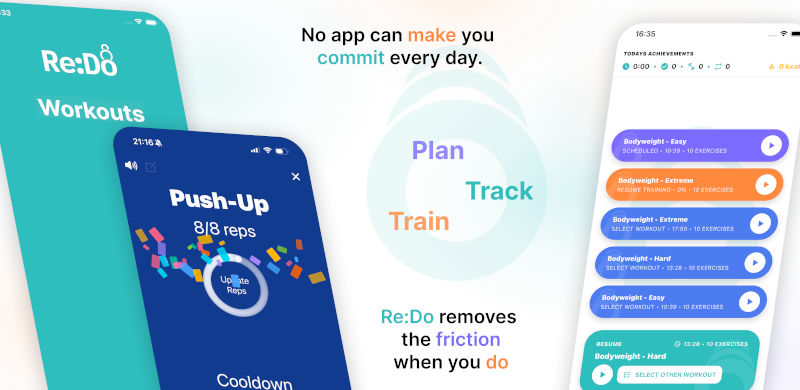
During training you may want a focused “next step” view, then a form for actuals. Re:Do lets you switch between a workout player and an editor mode without leaving the session.
How to use this page in Re:Do
Treat Weightlifting Log App (Set-by-Set) as a focused setup guide, not a separate system to maintain. Use it when the equipment or training style is fixed but the routine needs structure: keep exercises, notes, progression, and logged sessions in one place.
The useful version is usually small at first: one workout, one schedule or timer rule if needed, and enough notes to make the next session obvious. After a few logged sessions, refine the plan clearly from what you actually did instead of guessing up front.
FAQ
Is this the same as a workout planner?
No. Planning is building the routine. Logging is recording what happened. Re:Do supports both, but this page is about logging.
Do I need to log every set?
No. Log only what helps you progress. The point is usable history, not busywork.