Monthly Workout Schedule App
Monthly scheduling repeats a workout on a specific day of the month (like the 1st, 15th, or 30th). It is useful for reminders and recurring checkpoints.
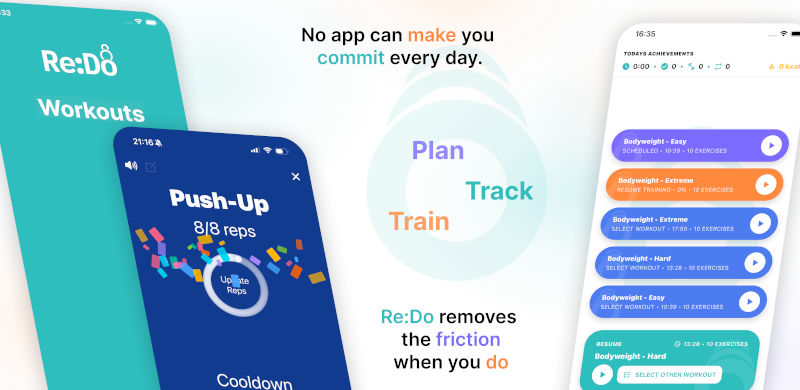
Plan your own training in Re:Do Workouts.
Create the workout in your own words, run it step by step with timers and notes, schedule it when it fits, and log what actually happened.
When monthly scheduling is a good fit
- You want a recurring checkpoint (benchmarks, technique audits)
- You want a once-per-month habit (mobility reset, test session)
- You want a plan that is simple and predictable
How to schedule workouts monthly
- Open the workout you want to repeat
- Go to scheduling
- Select Monthly
- Pick a start date
- Choose a day of month (1–31)
- (Optional) add an end date
- Save
When monthly scheduling makes sense
- Monthly benchmark sessions
- Technique checks or progress tests
- Recurring “reset” sessions you do once per month
Examples that work well monthly
- 1st of the month: benchmark workout + notes
- 15th: technique review session
- Last week of the month: a one-time “test” session (use Once if you prefer flexibility)
Common mistakes
- Picking a day you cannot keep: monthly works best when the day is realistic.
- Forgetting an end date for fixed blocks: use an end date if you only want the reminder for a few months.
- Using monthly when you mean weekly: for “every Tuesday”, use Weekly.
How to use this page in Re:Do
Treat Monthly Workout Schedule App as a focused setup guide, not a separate system to maintain. Use it when the schedule is the part that keeps the routine alive: choose the repeat pattern, keep the next session visible, and let the log show what actually happened.
The useful version is usually small at first: one workout, one schedule or timer rule if needed, and enough notes to make the next session obvious. After a few logged sessions, refine the plan clearly from what you actually did instead of guessing up front.
FAQ
Is monthly scheduling good for strength programs?
It is usually better for benchmarks and check-ins. Most training programs use weekly or interval scheduling.
What if I just want a reminder once in a while?
Monthly is a simple way to keep a recurring checkpoint without building a bigger plan.