8 Week Workout Plan Scheduling
If you are running a fixed-length program, the key is to set a recurring schedule and then add an end date. This keeps your calendar readable and lets the plan stop automatically when the block is done.
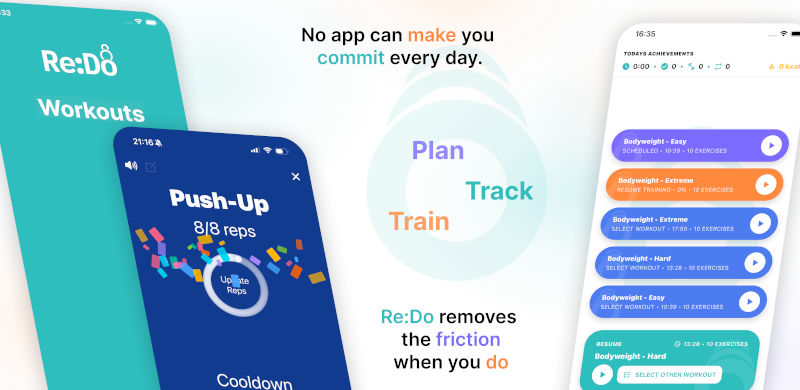
Plan your own training in Re:Do Workouts.
Create the workout in your own words, run it step by step with timers and notes, schedule it when it fits, and log what actually happened.
What “8-week plan” means in scheduling terms
- Start date: when the block begins
- Recurring rule: weekly days or an interval pattern
- End date: when the block stops
How to schedule an 8-week plan
- Decide the cadence for each workout (weekly days or intervals)
- Schedule each workout using the schedule type that fits
- Pick a start date for the block
- Set an end date about 8 weeks later
- Save and confirm the plan in your Schedule view
Examples that work well
- 3 days/week: schedule your main sessions weekly (Mon/Wed/Fri), then add an end date
- Every other day: schedule the workout every 2 days, then add an end date
- Rolling rotations: schedule intervals (every 3–5 days) if your split is not tied to weekdays
Which schedule type should you use?
- If you train on fixed weekdays, use Weekly scheduling
- If you train on a rolling cycle, use Every X days
- If you only need a single kickoff session, use Once
Tips for cleaner training blocks
- Keep the block readable: use a consistent cadence and avoid over-scheduling.
- Use end dates: they are perfect for blocks and challenges.
- Use “Once” for special sessions: tests, event simulations, or one-off extras inside the block.
FAQ
Should every scheduled workout share the same end date?
Usually yes for a clean block. If one workout is only for the first half, give it an earlier end date.
What if I start mid-week?
That is fine. Pick the real start date you will train. Weekly schedules repeat on the weekdays you select; interval schedules repeat from the anchor.